
Over 590 million websites worldwide use WordPress. Powering those sites behind the scenes are hundreds of specialised drag-and-drop page builders – either plugins or themes – allowing site owners to mould the functionality and aesthetics to their liking. AKA: priming those pages for conversions. If you’re launching a new website of your own or giving your current one a significant overhaul, the best WordPress page builders might be on the cards for your brand.
In truth, at Vital, we don’t make websites with page builders, ever. (The reasons for which I outline below). So, we’d usually recommend WordPress sites go down the bespoke development route using Advanced Custom Fields (ACF) for better performance, cleaner code and improved long-term maintenance, as well as improved security. That said, they’re not bad for DIY builds or less skilled developers/designers making a first website for a small business.
Having dabbled in them over the years, I’ve got a good grasp on which ones are the most beginner-friendly and those you’re best skipping altogether. So, to separate the wheat from the chaff, here are my top picks as a UX developer. Spoilers: your choice will depend on what you’re building and your level of experience.
Skip to:
- Choosing the Right Builder for You
- A Snapshot of the Best WordPress Page Builders
- Vital’s Definitive List
- Top Page Builders for WordPress vs Bespoke Design
- Conclusion: If In Doubt, Speak to an Expert
Choosing the Right Builder for You
Choosing the best WordPress page builder involves a lot of complexity, if you’re not entirely sure what your website needs to achieve long-term. While many tools promise ease and flexibility, building a site that genuinely supports growth requires a more considered approach. After all, designing a website in a way that’s most optimal for your growth is the key to online success.
From our experience, page builders can be a great starting point, but they’re not always designed with scalability in mind. That’s why it’s important to weigh up the following:
- Site complexity: Not all page builders are built equal; some come with a larger roster of features and customisation, whilst others are more slimline and limited. A small eCommerce brand or brochure site may work with a simpler build, but larger enterprise brands will need more complex infrastructure to handle multiple products, user journeys or integrations.
- Performance needs: Website speed is critical, both for user experience and SEO. And the leaner the code, the faster the website. Adding bulkier plugins and themes with your page builder can contribute to the bloat, something you want to avoid since it’ll increase user bounce rates.
- Team skill level: Not everyone can be a coding guru, and not everyone wants to. If you’re looking for autonomy, a no-code or low-code builder can be appealing. However, this often comes at the cost of flexibility and control, particularly as your site evolves.
- SEO requirements: Strong SEO foundations are non-negotiable for any business website. Some page builders can limit your control over technical SEO elements like clean code, page speed, and structured data. While they may cover the basics, more advanced optimisation can become difficult without developer input
- Integration needs: As your business grows, your website will likely need to integrate with other platforms, for instance, CRMs, booking systems, ERPs, or marketing tools. Note that not all page builders integrate well, so it’s best to anticipate your needs from the get-go.
Psst: if the main page builders don’t face up to the scale of your requirements, that’s a sign that a bespoke build might be a better choice for your business.
A Snapshot Overview
1. Breakdance – The new kid on the block, rivalling Elementor, offering lightweight performance, modern UI and no need for truckloads of plugins, ideal for performance-focused folks after a streamlined build.
2. Elementor – Suited to beginners to mid-level users and SMEs, in particular, its strength lies in its intuitive drag-and-drop editor and vast template library.
3. Divi – An all-in-one builder with a theme included, yet lacking the speedy performance of Breakdance, but still a great option for designers who want visual control and bundled features.
4. Beaver Builder – With a reputation for stable, clean code and a developer-friendly interface, this one is favoured by developers or agencies prioritising reliable performance.
5. Bricks – Growing in popularity, this is one of the best WordPress page builders, for advanced users and developers who’re keen on control and deep customisation.
6. WordPress Block Editor (Gutenberg) – The standard WP editor native to the CMS and a good choice for simple websites, blogs and users who want minimal overhead.
A Deep Dive into 6 of the Best WordPress Builders
1. Breakdance
Breakdance is one of the newer players, but it’s quickly made a name for itself, and for good reason. From my experience, it strikes a strong balance between performance and usability, without relying on a stack of additional plugins to function properly. The interface is a breath of fresh air: clean, modern and surprisingly intuitive once you get into it. That said, it’s still maturing, so the ecosystem isn’t as extensive as some of the more established builders.
Pricing: Starts at £75.66/year for a single site, or free with a limited trial.
Pros: Intuitive, flexible, with plenty of built-in elements like forms.
Cons: Smaller ecosystem, less widely adopted, fewer third-party add-ons.
My verdict: A great option if performance is a priority and you’re happy working with a newer tool.
2. Elementor
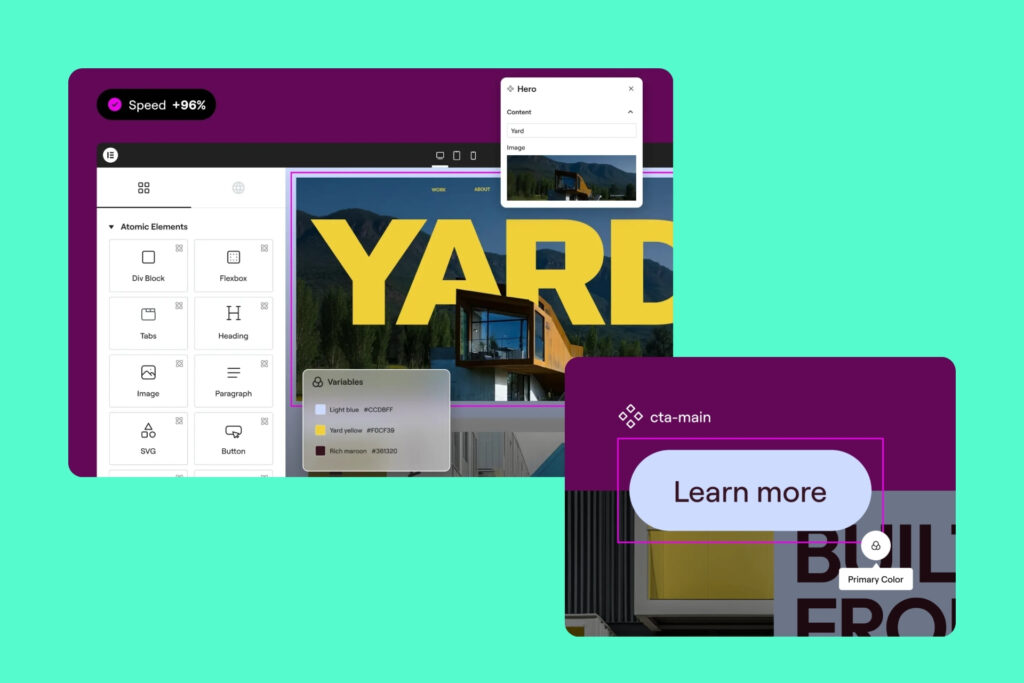
Elementor currently powers over 10 million active websites, so unsurprisingly, it has a lot to bring to the table. It’s accessible, flexible, and backed by a huge community. I’ve used it across a range of projects, and it’s particularly useful when speed and ease of use are the main priorities. The drag-and-drop interface is polished, and there’s no shortage of templates to get you started.
However, it can become bloated over time, especially when multiple plugins and add-ons are layered in, so if you’re after something that feels bespoke, you’re better off actually going bespoke with a tailored solution.
Pricing: Starts at £4/month for a basic website, reaching £16/month for the complete package.
Pros: Intuitive drag-and-drop editor, huge template library, stellar customer support and great reviews.
Cons: Can become bloated with add-ons, and speed can sometimes suffer at scale.
My verdict: It’s a great one for quick builds, if you’re up against the clock, and also the standout option for template variety.
3. Divi
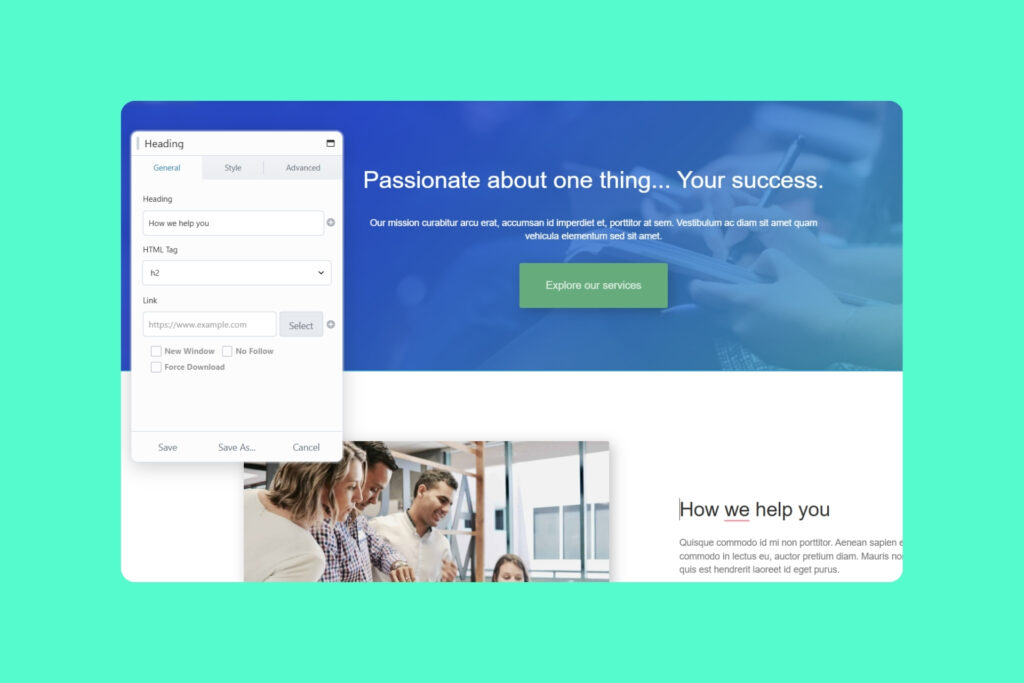
Divi takes an all-in-one approach, bundling its builder with a theme and a wide range of design features. It’s particularly appealing if you want full visual control without touching the code. I’ve found it useful for design-heavy projects, since you can copy and paste styles you’ve applied from one element to another, but that flexibility can come at a cost: namely, performance and portability. Also, once you’re in the Divi ecosystem, it’s not always easy to move away cleanly.
Pricing: Starting at £5.60/month for the basic package.
Pros: Visual control, all-in-one package, strong AI-powered design tools, no distracting side panel on the screen at all times!
Cons: Needs a lot of resources to run and, thus, can be slower than other builders, harder to migrate away from.
My verdict: Definitely a nice starter for beginners, but it’s suited to any level of expertise, from freelancer to agency.
4. Beaver Builder
Beaver Builder has built its reputation on stability, and in my experience, that’s well deserved. It doesn’t try to do everything, but what it does, it does reliably. The code output is relatively clean compared to other builders, which makes it a solid choice for developers or teams who care about performance and maintainability. On the flip side, it can feel a bit dated visually (just look at their own website) and lacks some of the more advanced design features out of the box that give brands their edge.
Pricing: Starts at £67.20 for one site.
Pros: Stable, clean code, developer-friendly.
Cons: Less visually dynamic, fewer built-in features.
My verdict: A dependable choice if you value reliability over flair, but it’s not it for visual-first brands.
5. Bricks
Bricks is quickly gaining traction, particularly amongst developers after more control without sacrificing that all-important performance. From what I’ve seen, it produces cleaner code than many traditional builders and offers a deeper level of customisation, with the builder replacing your theme altogether. That said, it’s not the most beginner-friendly option; there’s a learning curve, and the community is still growing, so a certain degree of experience is required.
Pricing: £59.79 for one website or the lifetime deal.
Pros: Performance-focused, clean output, deep customisation, growing popularity.
Cons: Steeper learning curve, smaller community than Elementor/Divi.
My verdict: I’d say it’s best suited to experienced users craving control and efficiency and who can handle the learning process.
6. WordPress Block Editor (Gutenberg)
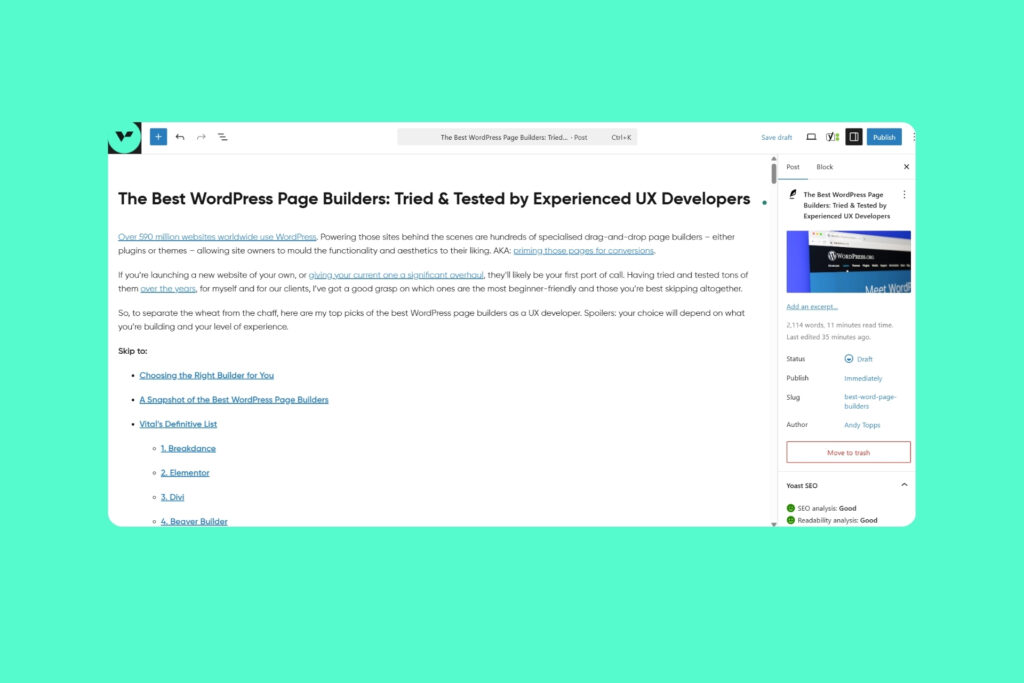
Gutenberg is WordPress in its purest form, lightweight, fast and built directly into the platform. For simple sites or content-heavy blogs, it does the job well without introducing unnecessary complexity – emphasis on simple. If you need a bit more than just words on a page (think: website features like lead capture forms, animations, custom-built tools and so on), for a more dynamic site, the limitations will hit you quickly.
As soon as you need advanced layouts or functionality, you’re going to have to download a ton of plugins, which add weight to the build whilst pushing up your budget. Thus, for larger brands or those with more complex requirements, it’s often more cost-effective to stick to one of the builders I mentioned above.
Pricing: Free!
Pros: Native, fast, minimal overhead.
Cons: Limited flexibility, relies on extra blocks for complexity.
My verdict: A solid baseline for small biz, but not much more in my opinion; it’s definitely not enough for more ambitious builds.
The Top Page Builders for WordPress vs Bespoke Design from the Bottom Up
At Vital, we don’t ever rely on WordPress page builder templates for client websites (although we’re massive fans of WP!). While they offer convenience, they equally introduce performance constraints, limit scalability as businesses grow, and create ongoing maintenance challenges later down the line. More importantly, the more popular ones tend to encourage a creative-led approach, prioritising how a site looks over how it performs.
Yes, builders often bring an all-in-one ecosystem experience, but it’s usually at the expense of your control over the site and the level of customisation, which is often necessary for enterprise-level businesses with ambitious growth plans.
Bespoke development, on the other hand, opens the door to top-tier performance through optimised code and custom architecture, which is moulded to your brand’s DNA. No more forcing it until it works; here, you can sculpt user experiences utterly unique to your brand. Complete ownership is just the cherry on top.
To see what I mean, why not have a gander at some of our previous work?
Conclusion: If in Doubt, Get an Expert Opinion
So that rounds up everything I have on the best WordPress page builders; I hope you feel more informed for it!
Remember, the top page builder for your WordPress site isn’t going to be whatever you find at the number one spot of a list; it ultimately comes down to how snugly it aligns with your long-term objectives and internal resources. And, sometimes, that means looking towards advanced custom fields, rather than out-of-the-box solutions.
If even after some careful deliberation, you’re unsure which route is right, it’s best to speak to a web developer or digital agency who can design a strategy around your needs. At Vital, we’ll do just that, with clear analysis and structure. So, why not set up a chat with our team?
Frequently Asked Questions
The best WordPress page builder for beginners is typically Elementor, thanks to its intuitive drag-and-drop interface and large template library. It allows users to build professional-looking pages quickly without coding knowledge, making it ideal for those just starting out. That said, experienced developers also swear by it.
WordPress page builders aren’t inherently bad for SEO, but they can introduce performance issues like slower load times or bloated code. With the right setup and optimisation, they can still support strong SEO foundations, though bespoke builds often offer more control.
Performance-focused builders like Breakdance and Bricks tend to be among the fastest WordPress page builders due to cleaner code output and fewer plugin dependencies. The WordPress Block Editor (Gutenberg) is also very fast, as it’s native to the platform.
Elementor is generally considered more user-friendly and flexible, while Divi offers more built-in design features in a single package. The better option depends on your priorities, so the battle is ease of use and scalability versus design control and bundled functionality.
For small or early-stage businesses, a WordPress page builder can be a practical starting point. However, for growing businesses with more complex needs, a bespoke website design often provides better performance, scalability, and long-term flexibility.
Switching WordPress page builders is possible, but it can be complex and time-consuming. Many builders leave behind shortcodes or structural dependencies, meaning redesigning or rebuilding parts of the site is often required.


